Playwright
🎭 Playwright Quickstart
Playwright is a fast and reliable end-to-end testing framework for modern web applications. It enables you to write expressive tests in JavaScript, TypeScript, Python, Java, or C#, and supports all major browsers — including Chromium, Firefox, and WebKit — with a single unified API.
Playwright documentation:
https://playwright.dev/docs/intro
Prerequisites
Before you begin, ensure you have the following installed:
- A SmartDust account
- Your SmartDust device remote debug key
- Node.js v20+
- Installed Android SDK + ADB
- Optional: your
.apkor app build process ready
🔌 Step 1: Connect to Device
- Navigate to Dashboard
- Click Remote debug in the device card (top-left corner or settings)
- Enable remote ADB access
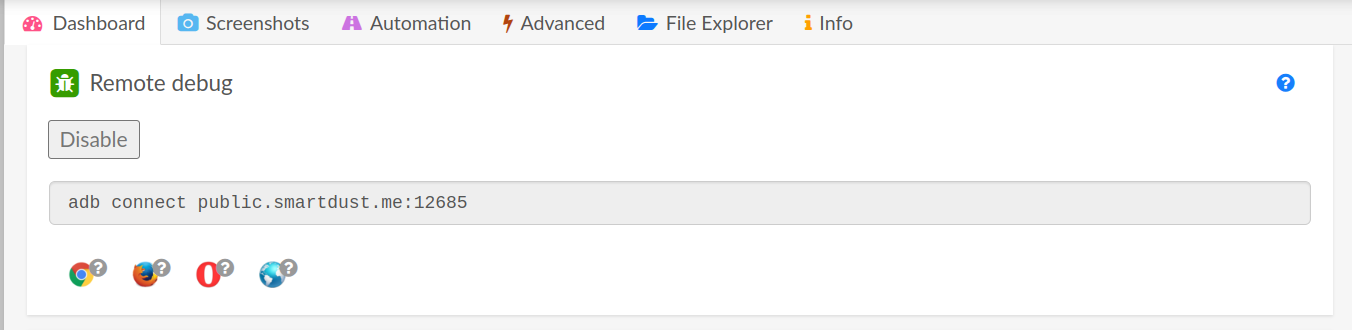
- Copy the generated ADB command, e.g.:
adb connect 123.45.67.89.smartdust.me:5555
- Paste into your terminal and run it
- Back in the dashboard, accept the ADB key request (if no popup, toggle remote debug off/on) Verify your device is connected:
adb devices
Expected output:
List of devices attached
123.45.67.89.smartdust.me:5555   device
If it says offline, retry the connection.
Step 2: Upload your app to the device.
We will upload based on the Dust app: https://github.com/damiant/dust.
So, firstly build the app, for example, using bunx ng build and then deploy the app using npx cap run android.
You should see the app on your device.
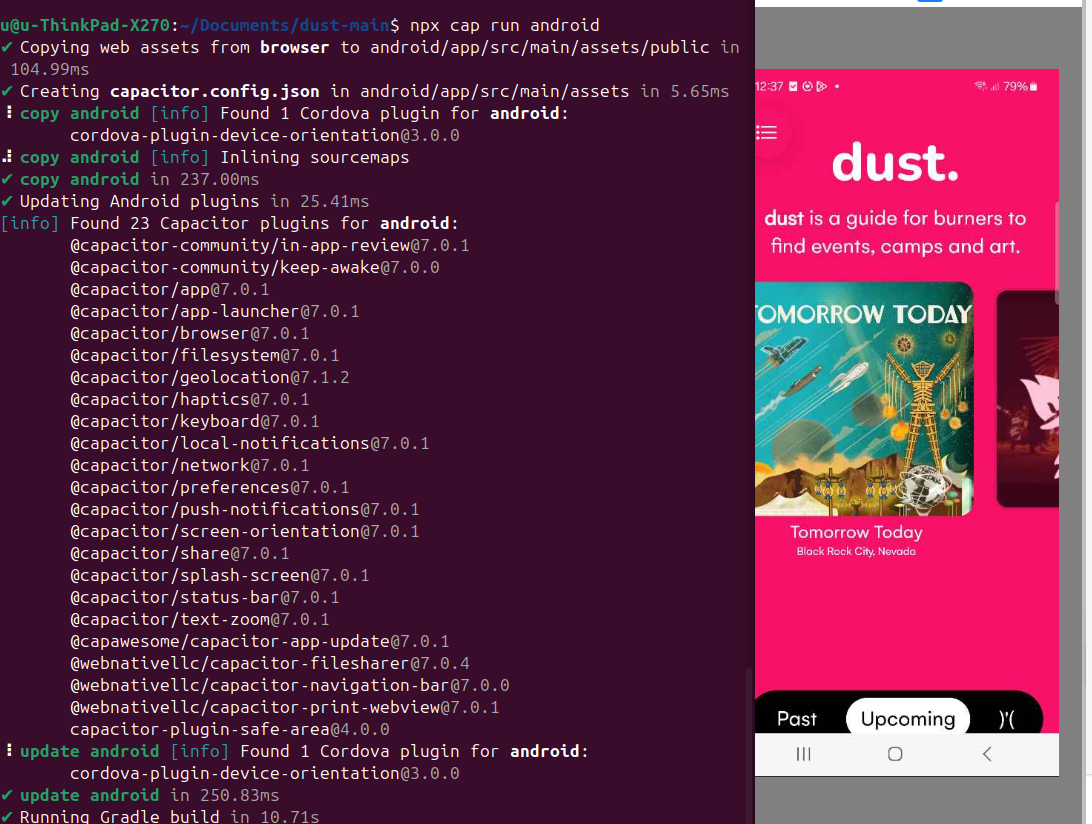
If not, check you terminal for potential issues.
Step 3: Install Playwright
You can install Playwright using the official generator:
npm init playwright@latest
This will:
- Set up a new test project
- Let you choose language (TypeScript/JS)
- Optionally install browsers (Chromium, Firefox, WebKit)
Example setup output: ✔ Where to put your end-to-end tests? · tests ✔ Add a GitHub Actions workflow? · Yes ✔ Install Playwright browsers? · Yes
Once installed, try running the example tests:
npx playwright test
Step 4: Write Your Test:
We will test the connection with the device by simply taking a screenshot:
import { _android as android } from 'playwright';
import { execSync } from 'child_process';
import fs from 'fs';

(async () => {
  const devices = await android.devices();
  const device = devices[0];

  const model = await device.model();
  const serial = await device.serial();

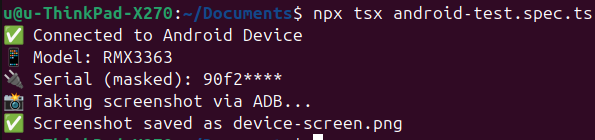
  console.log('✅ Connected to Android Device');
  console.log('📱 Model:', model);
  console.log('🔌 Serial (masked):', serial.slice(0, 4) + '****');

  console.log('📸 Taking screenshot via ADB...');

  const adbCommand = `adb -s ${serial} exec-out screencap -p`;
  const screenshot = execSync(adbCommand);

  fs.writeFileSync('device-screen.png', screenshot);
  console.log('✅ Screenshot saved as device-screen.png');

  await device.close();
})();
▶️ Step 5: Run Your Tests
You can now simply run the playwright tests on your device using:
npx tsx NAME_OF_THE_TEST.ts